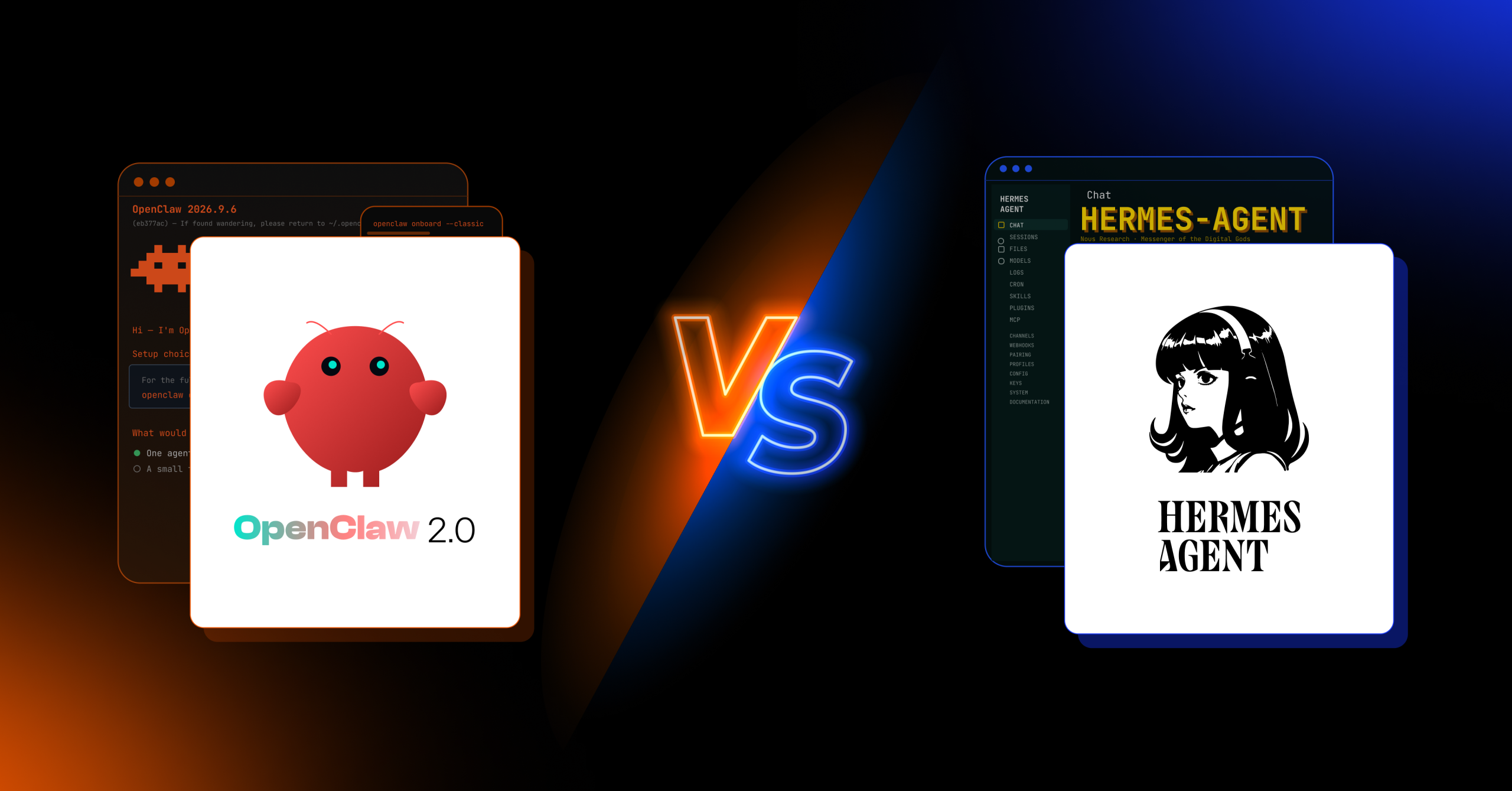
Agencies comparing OpenClaw 2.0 and Hermes Agent aren’t simply choosing between two AI agent tools. They’re choosing between two different approaches to how AI agents operate, collaborate, and interact with the computers they run on.
This guide compares what changed in OpenClaw v2026.8.1 and Hermes Agent v0.21.0 (“Pantheon”), how their computer Mac Mini use and browser capabilities differ, and which platform makes more sense for different agency and client deployments.
TL;DR
- OpenClaw 2.0 and Hermes Agent released major updates within 24 hours of each other in late August 2026. The E2M research reviewed OpenClaw v2026.8.1, released August 30, and Hermes Agent v0.21.0 “Pantheon,” released August 31.
- OpenClaw 2.0 is built more like a control center. Its rebuilt browser-based interface focuses on giving teams visibility into agent sessions, approvals, files, terminal access, and browser activity, with shared sessions for collaborative work.
- Hermes Agent is built more like an AI coworker. Its background computer-use capability allows the agent to operate a computer without moving the user’s cursor or switching virtual desktops, making it particularly useful when the machine is also being used by a person.
- For agencies, the key question is how the client will use the agent. OpenClaw is a strong fit for shared, centralized agent management, while Hermes is particularly well suited to background computer use and autonomous workflows. The choice should also take security, client-data access, infrastructure, and human oversight into account.
1. Why Are Agencies Suddenly Comparing OpenClaw and Hermes Agent?
OpenClaw and Hermes Agent released major updates within 24 hours of each other in late August 2026: OpenClaw v2026.8.1 (“OpenClaw 2.0”) on August 30 and Hermes Agent v0.21.0 (“Pantheon”) on August 31.
Both releases expanded what an AI agent can do beyond generating text, with computer use, browser control, automation, memory, and agent collaboration becoming more central to the overall experience.
OpenClaw’s release touched areas ranging from onboarding and memory to browser/computer use and security, while Hermes’ Pantheon release added capabilities including Bot Mode, persistent cron workflows, live subagent steering, and desktop browser control.
For agencies, that changes the decision.
You’re not simply choosing between two AI chat interfaces. An agent with computer-use permissions may be able to interact with a browser, applications, files, and other systems that contain client information.
That also introduces new operational and security considerations. Untrusted content can potentially influence an agent’s behavior, which makes permissions, approvals, isolation, and access controls important parts of any client deployment.
This OpenClaw 2.0 vs Hermes Agent comparison is for agency owners, operations leads, and technical directors deciding which platform to standardize on. We’ll look at where each agent runs, what it can access, how people work alongside it, and, most importantly, whether the setup can be repeated and managed when you move from your first client to your second, tenth, or fiftieth.
2. What Is OpenClaw 2.0?
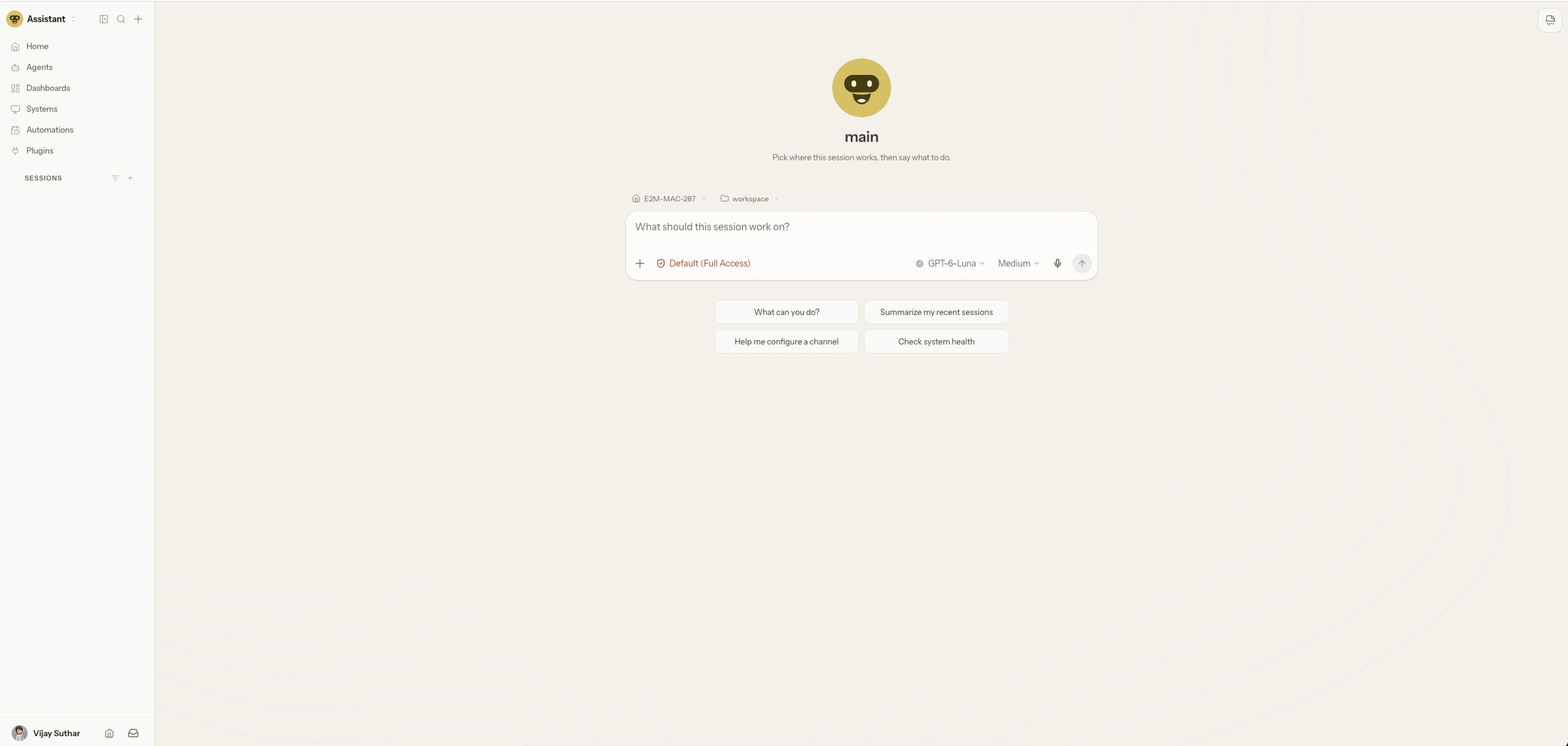
OpenClaw 2.0 (v2026.8.1) is an open-source AI agent platform with a browser-based control center that lets teams monitor, approve, and manage running AI agent sessions from one place.
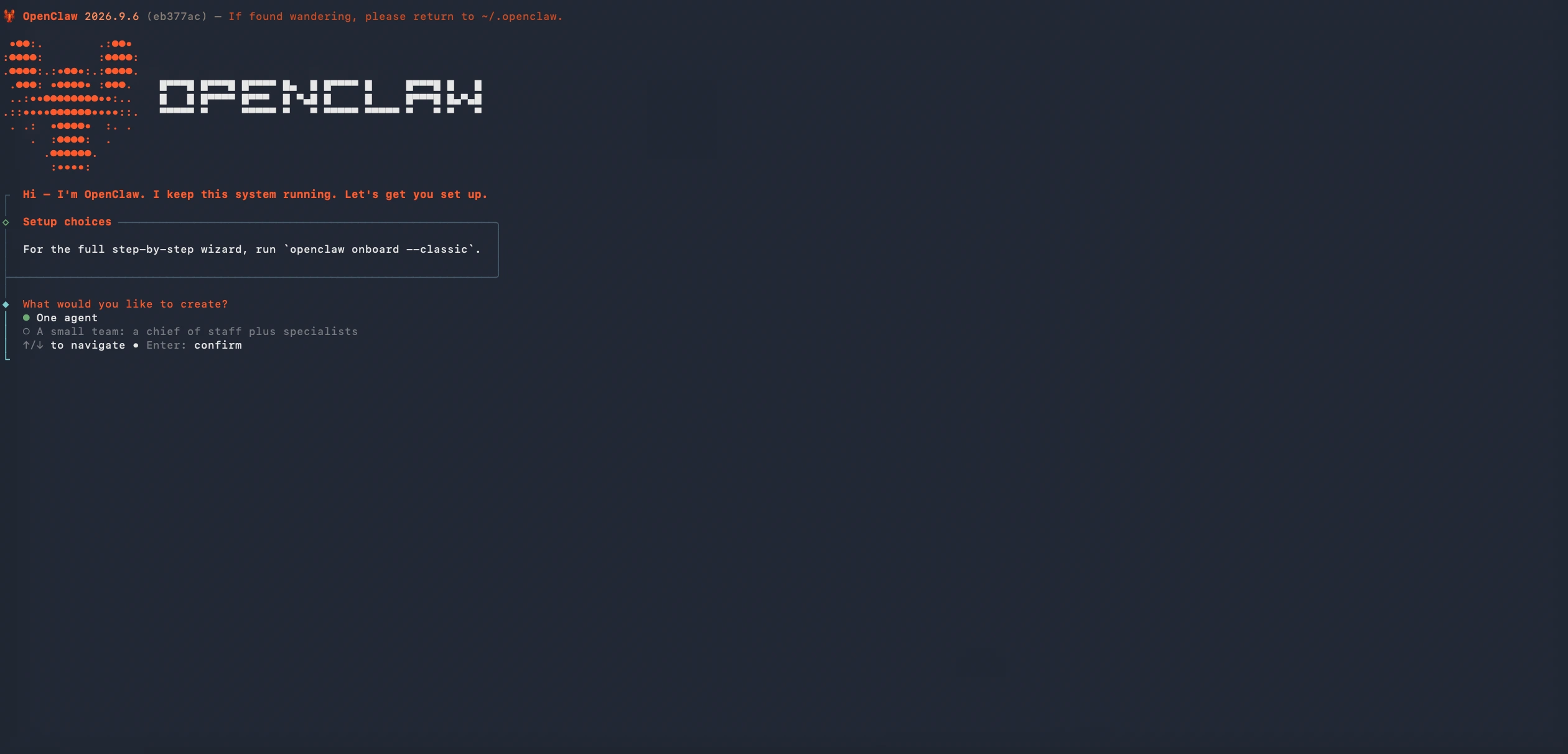
Rather than treating an AI agent as a single-user assistant, OpenClaw is built around shared, inspectable sessions. Multiple teammates can join a running session, work with its existing context, and take over when needed.
The headline changes are a rebuilt browser app, simpler onboarding and stronger memory. Computer Use also expanded to paired Macs and explicitly enabled Windows machines. Computer Use allows the agent to interact directly with the macOS desktop, while the new browser interface brings features such as element inspection and screenshot annotation into the workspace.
This makes OpenClaw particularly interesting for agencies that want a shared, inspectable AI workspace where multiple team members can monitor agent activity, step into a task, or manage ongoing workflows.
Best for: Agencies that want a centralized agent workspace for team collaboration, human oversight, and dedicated AI operations.
Related reading: How to Choose Hosting for Your WordPress Website
3. What Is Hermes Agent?
Hermes Agent is Nous Research’s open-source, model-agnostic agent with a built-in learning loop. This release centres on Bot Mode – named agents that work together – plus scheduled jobs with memory and live control of subagents. It can operate applications and browsers without moving the user’s visible cursor or switching their active virtual desktop.
Built by Nous Research, Hermes’ defining change in this release is Bot Mode. (Hermes has supported background computer use through the open-source cua-driver since earlier 2026 releases.) Instead of taking control of the user’s active desktop, the agent can send computer interactions to the target application in the background.
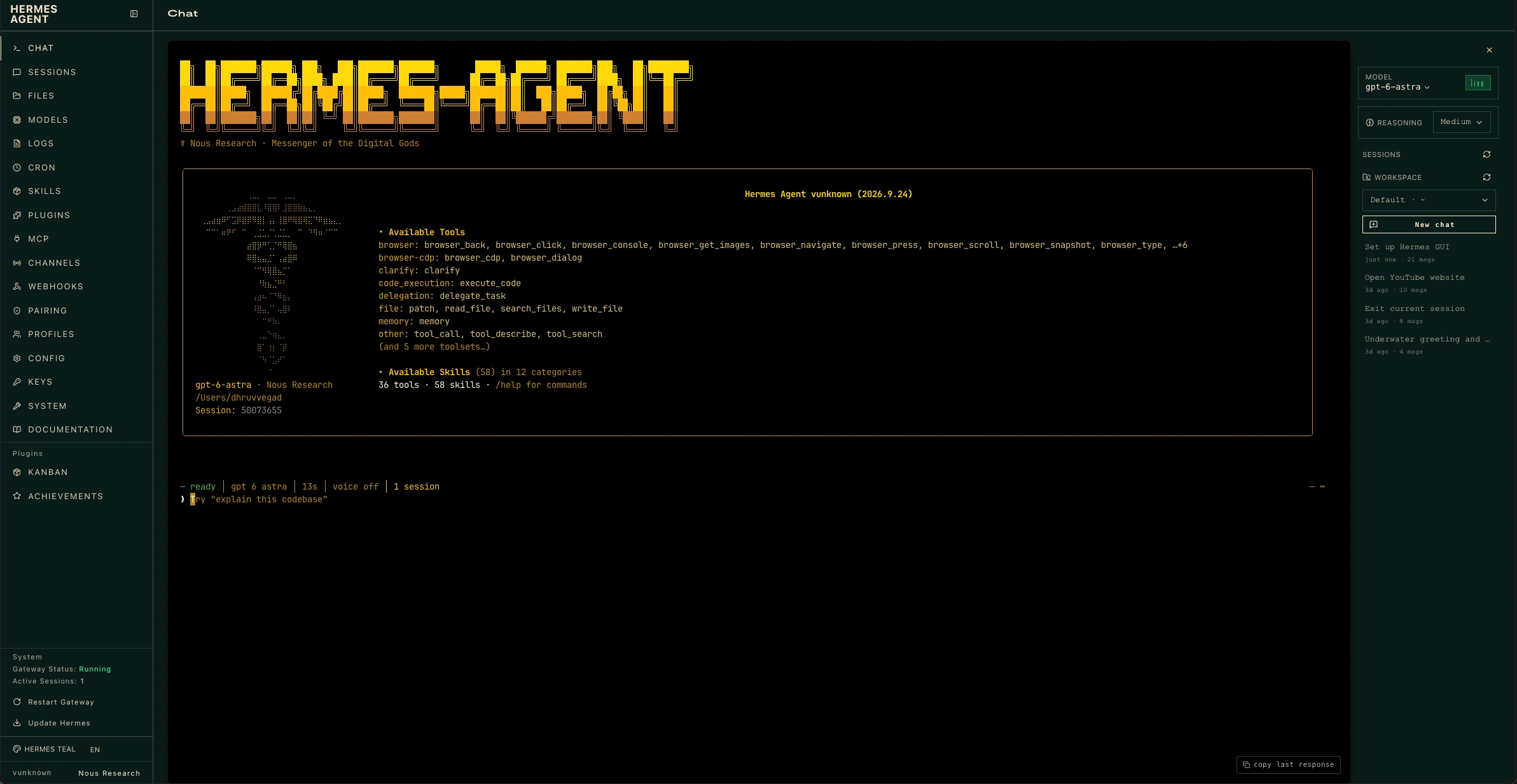
In practical terms, that means someone can continue working in one application while Hermes handles a computer-use task in another. For agencies, this makes the platform particularly interesting for background automation, recurring workflows, and AI agents that need to work alongside, not take over from, their human operators.
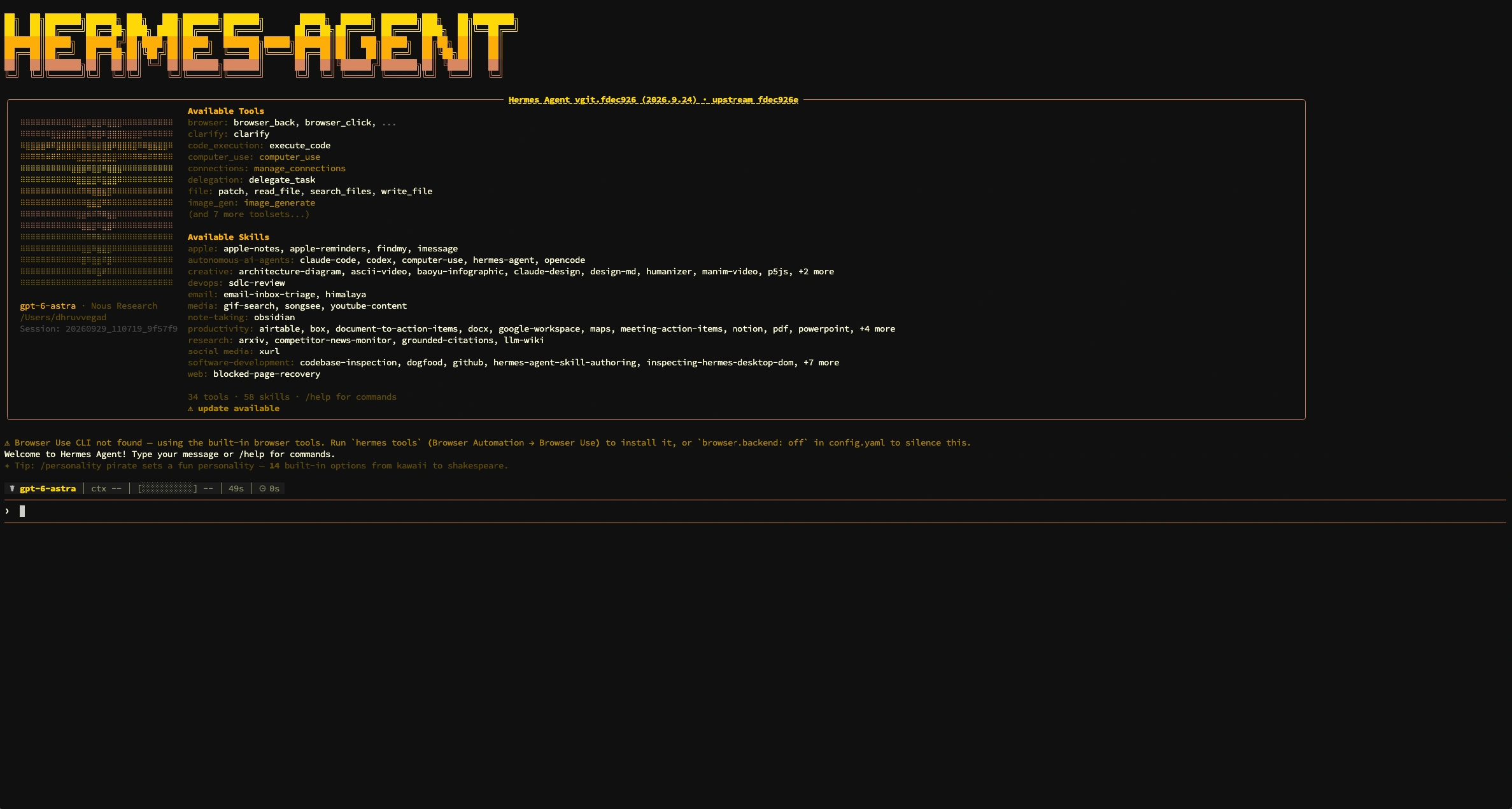
Best for: Agencies, individual operators, and small teams that want an AI coworker capable of running computer-based tasks in the background while people continue using the same machine.
4. What’s New in OpenClaw 2.0 and Hermes Agent?
The August 2026 releases were more than routine version updates. Both platforms expanded the capabilities that matter most when you’re putting an AI agent into real workflows: computer use, browser control, memory, automation, collaboration, and security.
OpenClaw 2.0 (v2026.8.1, August 30, 2026)
OpenClaw v2026.8.1, officially referred to as OpenClaw 2.0, was a broad platform update spanning its web interface, onboarding, memory, browser and computer use, automations, plugins, and security. The release involved 16,977 pull requests and 987 contributors.
For agencies, the important question isn’t how many changes went into the release. It’s what those changes mean when an agent is running client work day-to-day.
| # | Feature | What it does |
|---|---|---|
| 1 | Rebuilt browser Control UI | Puts conversations at the center of the workspace, with files, approvals, settings, and live work available alongside the active session. The browser experience also adds tools for inspecting and working with pages. |
| 2 | Native computer use | OpenClaw can control supported computer environments, including paired Macs, through its Computer Use capabilities. Access is subject to the required device pairing, policies, authorization, and operating-system permissions. |
| 3 | Shared and continuable sessions | Teams can work with ongoing agent sessions, follow what the agent is doing, and step in when human intervention is needed. This makes OpenClaw more suitable for shared agency workflows than a purely individual assistant. |
| 4 | Guided setup | Setup can reuse supported subscriptions, API keys, and local models, then verify the selected model before saving the configuration. |
| 5 | Built-in memory and self-learning | OpenClaw expanded its built-in memory system and connected memory with its broader skills workflow. Self-learning can turn useful corrections and durable lessons into proposed skill improvements when enabled. |
| 6 | Stronger authorization and security controls | Approvals are tied to the specific request, command, session, and person. Browser, network, sandbox, and plugin actions can also re-check authorization instead of relying on stale permissions. |
What this means for agencies: OpenClaw 2.0 is moving toward a more centralized operating environment for AI agents. The biggest practical shift is that teams can see, manage, approve, and interact with agent work from a shared interface rather than treating the agent as a simple command-line assistant.
Hermes Agent “Pantheon”
Hermes Agent (“Pantheon”) followed OpenClaw 2.0 by one day, bringing Bot Mode, agent-to-agent messaging, scheduled jobs that remember, live subagent steering and control of the desktop app’s browser. The release involved 760+ contributors, around 2,475 merged pull requests, and roughly 5,800 commits.
For agencies, the important changes are the ones that make Hermes more capable of working alongside people and other agents, rather than simply responding to prompts.
| # | Feature | What it does |
|---|---|---|
| 1 | Bot Mode built into the desktop app’ or ‘MCP command centre’ | Hermes can operate supported desktop applications in the background without moving the user’s visible cursor or switching virtual desktops. This allows computer-based tasks to run while a person continues working normally. |
| 2 | Interactive browser control | Hermes can navigate, click, and interact with browser content instead of being limited to reading pages. Browser sessions can also be opened in the system browser when needed. |
| 3 | Bot Mode | Agents can be configured as named, specialized bots with their own roles, models, memory, and skills. They can communicate with other agents and participate in group-style conversations. |
| 4 | Persistent cron jobs | Scheduled tasks can maintain memory and continuity between runs, making Hermes useful for recurring workflows rather than one-off commands. Some monitoring tasks can also determine whether there is anything that actually requires model execution. |
| 5 | Live subagent steering | Running subagents can be inspected, redirected, or stopped while they are working, giving operators more control over delegated tasks. |
| 6 | Protected instruction files | Changes to important instruction, skill, and memory files can require approval, adding another layer of protection against unintended modifications to an agent’s operating instructions. |
What this means for agencies: Hermes Agent moves beyond the idea of a single AI assistant. With background computer use, persistent scheduled tasks, specialized bots, and live subagent control, it is better understood as an AI workforce that can operate across recurring workflows and work alongside human operators.
5. Why Is Each OpenClaw & Hermes Agent Release a Real Step Up From Its Predecessor?
“New” only matters when you can explain what changed from the version before it. So instead of simply listing new features, let’s look at the practical delta between each platform’s immediate predecessor and its August 2026 release.
OpenClaw: v2026.7.1 → v2026.8.1 (2.0)
OpenClaw’s 2.0 update wasn’t just a new interface. It changed several parts of the platform that affect how teams set up, operate, collaborate around, and store agent sessions.
| Area | Before (v1.x) | Now (2.0) |
|---|---|---|
| First-run setup | Setting up the provider, API key, and model was largely a manual process before getting started. | Guided onboarding can detect supported subscriptions, API keys, and local models, verify the selected model, and take the user into the workspace. |
| Browser Control UI | Sessions were already primary in the sidebar, but files, approvals and live work sat on separate pages. | Chat becomes the primary workspace, with files, diffs, approvals, terminal access, and browser tools available alongside the active session. |
| Multi-user access | Primarily designed around a single operator. | Shared sessions make collaborative handoffs possible, allowing multiple team members to work with an ongoing agent session. |
| Memory | Memory was split between the core system and the community QMD add-on. | OpenClaw consolidates memory into a built-in system, with background consolidation and self-learning skill proposals. |
| Session storage | Sessions relied on file-backed transcripts. | Session storage moved to SQLite. Because the migration is one-way, existing data should be backed up before upgrading. |
What changed in practical terms?
The biggest shift is that OpenClaw moved from being primarily an agent you configure and operate toward being a more complete workspace for managing AI agent activity.
Setup is easier, the browser interface is more central, collaboration is more practical, and memory is more tightly integrated into the platform.
For an agency, that matters because the question isn’t only whether an agent can complete a task. It’s whether your team can configure it, monitor it, hand work between operators, and maintain it over time.
Hermes: v0.20.0 “Herald” → v0.21.0 “Pantheon”
Hermes’ Pantheon release also represents a shift in how the platform is meant to be used. Herald expanded what a single Hermes agent could do; Pantheon put more emphasis on multiple agents, persistent automation, desktop control, and live orchestration.
| Area | Herald (Aug. 3, 2026) | Pantheon (Aug. 31, 2026) |
|---|---|---|
| Multi-agent | Introduced A2A v1.0 support for communication with other compatible agents. | hermes peer lets Hermes agents communicate directly by handle, while Bot Mode adds a shared roster and group conversations between named agents. |
| Voice | A major focus of the release, with real-time streaming voice, barge-in, on-device wake words, and hands-free control. | Voice remains part of the platform, but the headline capabilities moved toward desktop browser control, persistent automation, and multi-agent workflows. |
| Desktop browser | The desktop app introduced artifacts and live previews, while the browser experience was primarily for viewing content. | Hermes can actively operate browser content, including navigating, clicking, typing, and reading pages. |
| Scheduled jobs | Cron supported scheduled automation, but the workflow had less continuity between runs. | Scheduled agent workflows can retain memory and continuity, making recurring tasks more useful for ongoing monitoring and operations. |
| Delegation | Background subagents could handle delegated work, but live intervention was more limited. | Operators can inspect, steer, and stop running subagents while they are working, giving humans more control over delegated tasks. |
What changed in practical terms?
The shift from Herald to Pantheon is less about adding another collection of AI features and more about making Hermes capable of operating as a persistent team of specialized agents.
Instead of asking one agent to complete one task at a time, agencies can build named agents around different responsibilities, schedule recurring work, delegate tasks to subagents, and intervene while work is still underway.
That makes Hermes more interesting for ongoing agency operations, where the goal isn’t just to automate a task once, but to create AI workflows that continue running with memory, oversight, and specialized roles.
6. How Do OpenClaw and Hermes Compare on Computer Use and Browser Automation?
This is one of the most important differences for an agency running agents on a Mac Mini, a shared workstation, or a headless server.
Both platforms can use computer and browser automation, but they approach how the agent interacts with the machine differently.
OpenClaw is built around an inspectable, interactive control experience. Hermes emphasizes background computer use, allowing the agent to operate without taking over the user’s visible cursor or keyboard focus.
| Criterion | OpenClaw 2.0 | Hermes Agent |
|---|---|---|
| Computer-use model | Interactive computer control. The agent can work with supported apps, windows, and desktop environments on paired machines, with the work visible through OpenClaw’s desktop/control interface. | Background-first computer control. Hermes can interact with supported applications without stealing the user’s cursor or keyboard focus, allowing the person to continue working normally. |
| Model compatibility | Computer Use is exposed through OpenClaw’s configured computer-control/provider path and the model powering the session. | Model-agnostic computer use: Hermes can use the same computer-control workflow with different tool-capable models rather than requiring an Anthropic-specific schema. |
| Working while the agent works | Screen-coordinate actions use the foreground and move the real pointer; window-targeted actions can run in the background with the CUA provider. On a shared machine, test before relying on it. | Designed for concurrent use. The agent can operate another application in the background while a person continues working elsewhere on the machine. |
| Browser experience | Browser work is closely integrated with the Control UI, managed browser sessions, shared Chrome tabs, page inspection, and the active agent session. | Browser interaction is part of the broader computer-use workflow. Hermes can navigate, click, type, and read browser content while keeping the computer-use workflow in the background. |
| Screen data handling | Screenshots and browser observations remain available to the inspecting agent but aren’t automatically attached to outbound replies. | Hermes applies multiple screenshot-context optimizations. A typical 20-action session on a 1568×900 display is reported at roughly 30K tokens of screenshot context rather than 600K. |
| macOS permissions | Requires the applicable macOS permissions, device pairing/authorization, and OpenClaw computer-use policies before desktop control is available. | Requires macOS Accessibility and Screen Recording permissions, with hermes computer-use doctor and related commands available to diagnose the setup. |
| Multi-machine / team use | Shared sessions allow another human operator to join ongoing work and take over when needed. | Bot Mode and Hermes peer focus on agent-to-agent work, but Bot Screen lets a person watch a bot’s desktop and take over when needed. |
The practical difference for a Mac Mini
If you’re choosing between the two for a Mac Mini, foreground vs. background computer use is one of the most important questions to answer first.
A dedicated Mac Mini that nobody uses interactively can accommodate either approach.
A Mac Mini that someone also uses for email, Slack, research, or client work is different. OpenClaw’s interactive computer control is better suited to workflows where the agent’s desktop activity is visible and can be monitored or taken over. Hermes is better suited to workflows where the agent needs to work alongside the human without taking control of the active desktop.
That doesn’t make one platform universally better. It means the right choice depends on who is using the machine, whether the agent needs foreground control, and how much human oversight the workflow requires.
Turning computer use into billable client work is a different project from evaluating it.
E2M builds white-label custom AI agents, agentic workflows, and AI apps for agencies under their own brand. White Label AI Solutions covers the delivery side, and the AI Service Reseller Partner Program is the route for agencies that would rather resell than deliver.
Related reading: 5 AI Agents for eCommerce Agencies · Shopify Sidekick vs Cursor vs Claude for eCommerce Agencies
7. How Secure Are OpenClaw 2.0 and Hermes Agent?
Giving an AI agent access to an operating system introduces a different level of risk than using a standard chatbot. For agencies handling client accounts, credentials, files, and internal systems, permissions and isolation matter just as much as the agent’s capabilities.
Both OpenClaw and Hermes address risks such as prompt injection, where untrusted content from a webpage, email, document, or other source attempts to influence an agent into taking an unintended action.
The right question for an agency isn’t simply “Which platform is safer?”
It’s “Which security model fits the way we’re going to deploy and operate the agent?”
| Area | OpenClaw 2.0 | Hermes Agent |
|---|---|---|
| Default security posture | Provides granular session access modes, including read-only, guarded, workspace, and full access. Approvals, sandboxing, and other controls can be configured around the deployment, but administrators need to choose an appropriate security posture rather than assuming full isolation. | Uses a defense-in-depth model covering command approvals, file-write safety, container isolation, credential filtering, context-file scanning, cross-session isolation, and input validation. Dangerous-command approval is enabled by default in smart mode. |
| Prompt injection defense | Security guidance emphasizes limiting tool access, using appropriate sandbox and permission settings, and keeping human approval for consequential actions. OpenClaw also re-checks authority for browser, network, plugin, and sandbox operations. | Hermes scans context files for prompt-injection patterns and provides approval controls for dangerous commands. Writes to skills, memory and AGENTS.md always require approval (since v0.21). |
| Data and session isolation | Shared sessions are designed for collaboration inside a trusted OpenClaw installation. They should not be treated as a hostile multi-tenant security boundary. | Hermes provides cross-session isolation, while Bot Mode gives individual agent profiles their own configuration, memory, skills, credentials, and chat history. |
| Credential and sensitive-file protection | Protected credentials can reach supported destinations without being exposed as model-visible text, while authorization is rechecked for sensitive operations. | Hermes blocks writes to several sensitive credential paths by default and redacts patterns resembling API keys, tokens, and passwords from tool output. |
| Network exposure | OpenClaw deployments need particular care around the Gateway and Control UI. The security model is designed around authenticated access rather than treating the UI as something that should simply be exposed to the public internet. | Hermes can run locally without exposing a public interface, but gateways, webhooks, APIs, and other unattended connection surfaces still need appropriate authorization and approval controls. |
What this means for agencies
Neither platform should be treated as “safe by default, no configuration required” once it has access to real client systems.
OpenClaw gives teams detailed controls around sessions, approvals, sandboxing, browser activity, and access levels. That makes it flexible, but it also means deployment configuration matters.
Hermes takes a broader defense-in-depth approach, with command approval, sensitive-file protections, session isolation, container options, and additional controls around context and credentials.
For an agency, the better choice depends on the deployment:
- Shared or client-facing environments: prioritize session isolation, least-privilege access, credential protection, and clear approval boundaries.
- Dedicated automation machines: prioritize sandboxing, network restrictions, monitoring, and controlled credentials.
- Agents with computer-use access: assume that untrusted webpages, documents, and other external content can influence the agent and design human approval around consequential actions.
The safest deployment is not necessarily the platform with the longest security checklist. It’s the one your team can configure, restrict, monitor, and maintain consistently across every client environment.
Security Bottom Line: If you deploy OpenClaw 2.0 for client work, don’t assume the default trusted-operator setup provides the isolation you need. Deliberately configure sandboxing, access controls, approvals, and workspace boundaries based on the sensitivity of the workload. Hermes 2.0 provides a broader defense-in-depth security model, but it still requires careful controls when autonomous agents can access credentials, modify files, or ingest unverified external content.
8. What Hardware Do You Need to Run OpenClaw or Hermes Agent?
OpenClaw and Hermes Agent can both run on a Mac Mini without requiring the machine to run the AI model locally. When inference is routed through an API, the Mac primarily handles the agent runtime, browser and computer-use processes, storage, and other local workloads.
The real hardware question is therefore not simply which agent you’re running. It’s whether you also want to run model weights locally and how many browser, computer-use, development, and agent processes you expect to run at the same time.
Based on testing across Apple’s Mac Mini M4 line, the following tiers illustrate a practical sizing approach for agencies considering self-hosted agent infrastructure.
| Tier | Configuration | Best for |
|---|---|---|
| Entry | 16GB unified memory, primarily API-routed inference | Solo use, a small number of scheduled agents, occasional computer-use tasks, and API-routed model inference. Suitable for running the agent runtime alongside lighter local workloads, although concurrency will be limited. |
| Daily driver | 24GB unified memory | A Mac Mini running browser automation, computer use, development tools, and agent processes together. This is our default recommendation for most agency deployments. |
| Local inference / team server | 48–64GB unified memory, with higher memory bandwidth | Larger local-model workloads, multiple concurrent processes, or a dedicated multi-agent machine. This is where additional memory becomes more valuable, particularly when running larger models through tools such as Ollama or LM Studio. |
What actually determines the hardware you need?
Think about the Mac Mini as having two different jobs:
1. Agent orchestration
OpenClaw or Hermes manages tasks, tools, browser activity, memory, automation, and communication with the model. When you’re using a hosted model, this generally doesn’t require workstation-class hardware.
2. Local model inference
If you run the model itself on the Mac Mini, memory requirements increase substantially. The model’s size, quantization, context length, and number of concurrent sessions all affect how much memory and compute you need.
That’s why a 16GB Mac Mini can be perfectly reasonable for an API-first deployment, while a 48GB or 64GB configuration becomes much more attractive for local inference or heavier concurrent workloads.
The practical rule
If you’re primarily using hosted models, buy RAM for concurrency, not because OpenClaw or Hermes themselves require it.
If you’re running models locally, size the machine around the model and workload first, then account for the memory needed by the agent, browser, operating system, and other applications running alongside it.
9. Which AI Agent Should You Run on a Mac Mini?
The right choice depends less on which platform has more features and more on how you’ll use the Mac Mini: as a shared workstation or as a dedicated headless agent box.
If the Mac Mini is also your daily machine
Run Hermes Agent.
The deciding advantage is background computer use. Hermes can operate supported applications without taking over the user’s visible cursor or keyboard focus, allowing you to continue working in one app while the agent works in another.
Pair that with its browser control for web tasks and Bot Mode when you want separate agent roles, such as a research bot, coding bot, or monitoring bot. Its model-agnostic approach also gives you more flexibility in choosing the model provider.
01. Mac Mini M4, 24GB, 512GB: Provides additional headroom for browser activity, computer-use workloads, and other applications running alongside the agent.
02. Hermes Computer Use for macOS: Set up the background computer-use capability and grant the required macOS permissions, including Accessibility and Screen Recording.
03. Bot Mode, where useful: Use separate agent roles for recurring monitoring, research, coding, or other workflows rather than putting everything into one agent.
If the Mac Mini is a dedicated, headless agent box
Run OpenClaw 2.0.
When nobody is sitting in front of the machine, OpenClaw’s interactive computer-use model becomes less of a drawback. Its shared sessions, browser-based Control UI, and granular session access controls become more important, particularly when multiple people need to monitor or take over the same agent workflow.
01. Mac Mini M4, 24GB, 512GB A practical configuration for a dedicated agent machine running browser automation, computer-use workloads, and other services concurrently.
02. Configure Computer Control Grant the required macOS permissions and configure the appropriate OpenClaw authorization and access settings before using computer control.
03. Run OpenClaw’s diagnostic tools after upgrades Use the platform’s recommended doctor/diagnostic workflow to identify configuration or migration issues after major updates.
They’re not mutually exclusive
You don’t have to choose one platform for every situation.
An agency could use OpenClaw as a shared, browser-managed team environment while using Hermes on individual workstations where background computer use is more important.
If budget or operational simplicity is the constraint, choose based on how the Mac Mini will actually be used, not which project has more features or contributors.
10. FAQs
OpenClaw is an open-source AI agent platform with a browser-based Control UI for monitoring, managing, and interacting with AI agent sessions. This comparison covers OpenClaw v2026.8.1, which the project refers to as OpenClaw 2.0. The platform combines agent orchestration with browser control, computer use, memory, automation, and team-oriented session management.
On a Mac Mini, OpenClaw can run as the local agent runtime while sending model requests to a hosted provider through an API. The Mac Mini’s hardware requirements increase when you add local model inference, multiple browser sessions, computer-use workloads, or other applications running concurrently. For most API-first agency deployments, 16GB can be an entry point, while 24GB provides more headroom for daily use.
Neither is universally better. OpenClaw 2.0 is a stronger fit for shared agent management, particularly when multiple team members need to monitor or take over ongoing sessions. Hermes Agent is a stronger fit for background computer-use workflows, especially when the same Mac is also being used by a person. The better choice depends on the deployment environment and level of human interaction required.
Yes. Hermes’ Background Computer Use is designed to operate supported applications without taking over the user’s visible cursor or keyboard focus. This allows someone to continue working in one application while Hermes performs a computer-use task elsewhere on the machine.
OpenClaw’s computer-use workflow is designed for interactive desktop control, so it can operate the visible desktop and compete with a person using the same active session. This makes the behavior more visible and inspectable, but it is less suited to concurrent human-and-agent desktop use than Hermes’ background computer-use approach.
OpenClaw provides security controls around authorization, approvals, sandboxing, session access, browser activity, and other sensitive operations, but agencies should configure those controls according to the sensitivity of the workload rather than assume the default setup provides full isolation. Client deployments should use least-privilege access, appropriate sandboxing, approval gates for consequential actions, and controlled network exposure.
Bot Mode lets you create named Hermes agent profiles with their own roles, models, memory, skills, and other configuration. Agents can communicate with one another and participate in group-style conversations. This makes Bot Mode useful for workflows where different AI agents handle specialized responsibilities such as research, coding, monitoring, or reporting.
Hermes’ computer-use workflow is explicitly model-agnostic and can work with supported tool-capable models from providers such as Claude, GPT, Gemini, or compatible local endpoints. OpenClaw also supports multiple model providers through its configured model and computer-control setup. The exact model compatibility depends on the tool and provider configuration.
Both agent runtimes can be relatively lightweight when model inference is handled through an API. A 16GB Mac Mini can work for lighter, API-first deployments, while 24GB is a better default for a daily agent workstation running browser automation, computer use, and other applications concurrently. Higher-memory configurations become more useful when running larger local models or several resource-intensive workloads at once.
Choose OpenClaw when the client needs a shared, centrally managed agent workspace where multiple people can monitor and interact with ongoing sessions. Choose Hermes when the client wants an AI coworker that can perform computer-based tasks in the background while employees continue using the same machine.
Yes. Hermes Bot Mode supports named and specialized agent profiles that can communicate and collaborate. An agency could use separate agents for research, SEO, content, QA, and reporting, with each role configured around different models, memory, and skills. The exact level of isolation should be determined by the broader Hermes security and session configuration rather than Bot Mode alone.
Yes. The two platforms can be used for different jobs. For example, an agency could use OpenClaw as a shared, browser-managed environment for team oversight while using Hermes on individual workstations where background computer use is more important. The decision does not have to be agency-wide; teams can choose the platform based on how each machine and workflow will actually be used.